Using Cloud and Traditional Systems Together
Notifications
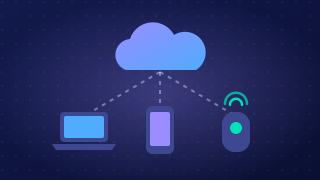
A notification is an alert that tells you something has happened. It can appear when a new message arrives, or when someone changes a shared document or plan, such as a rota, project plan or appointments list.
Notifications do more than just say “something changed”. They can show who made the change and when it was made. For example, a practice manager at a veterinary surgery updates the shared staff rota to cover a sick colleague. A notification tells the other staff that the rota changed, names the manager, and gives the time. Staff can then check the new shift and arrange cover quickly instead of finding out later.
Why notifications help staff
Staff do not need to keep reopening every shared file to look for changes. A notification brings the update to their attention, so they can respond quickly. This is useful when a plan changes at short notice, such as a delivery time moving or a meeting room being swapped.
- Quick response: staff see urgent updates sooner, so they can act before a delay affects customers or colleagues.
- Clear responsibility: showing who changed something makes it easier to ask that person a question or check the reason for the change.
- Up-to-date awareness: the time of the change helps staff judge which information is newest.
Notifications can also alert staff to new messages in a shared workspace, not only edits to documents. This helps a team notice questions, approvals or instructions without waiting for someone to pass the message on in person.
Practise this
Pearson BTEC Digital Information Technology · Using cloud and traditional systems together