Integrated Development Environments
Run-time environment
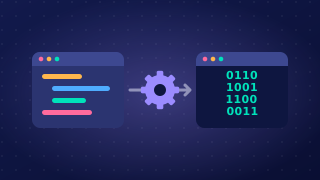
The run-time environment is the part of an IDE that runs a program so the programmer can test it. You press the run button and the program starts inside the IDE, without being copied to another computer first.
While it runs, the IDE usually opens a window for the program's inputs and outputs. If the program asks for a player's name, you type it there; when the program prints a message, it appears in the same window. This means you can try the program out straight away, change the code and run it again without leaving the IDE. For example, a program that works out how many seats are still free in a cinema screen might ask for the number of seats in the screen and the number of tickets sold. You can enter 180 and 147, see the answer of 33 at once, then adjust the code if the answer is wrong.
Some errors only appear while the program runs. When that happens, the run-time environment stops the program and shows an error message describing the fault, often naming the line of code where it happened. For instance, if a program asks for a whole number and the user types letters, the message will point to the line that tried to treat that input as a number. Being told where to look helps you track down the cause quickly, rather than the program simply stopping with no information at all.
The run-time environment is not the translator. The translator converts the source code into machine code; the run-time environment runs the program and lets you interact with it.
Practise this
OCR GCSE Computer Science · Integrated Development Environments