Integrated Development Environments
Integrated Development Environments
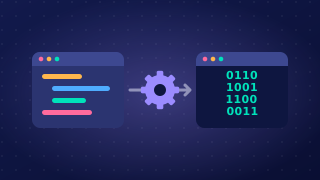
An integrated development environment (IDE) is one piece of software that brings together all the tools a programmer uses to develop a program. Instead of writing code in one program, translating it in a second and running it in a third, you get everything in one window. Keeping the tools together saves the programmer from switching between separate programs, so development is quicker and less fiddly.
An IDE is not a programming language and it is not a translator. A language such as Python is what you write in; the IDE is where you write it, and the translator sits inside it as one of its tools.
The four tools in an IDE
An IDE combines four tools, and each one helps with a different stage of building a program.
| Tool | Stage of development it helps with |
|---|---|
| Editor | Writing and editing the code |
| Error diagnostics | Finding and fixing errors |
| Run-time environment | Running and testing the program |
| Translator | Translating the code |
How they work together
You type and save your code in the editor, the translator converts it into machine code, the run-time environment runs it, and any error the translator finds is reported by the error diagnostics. Because all four sit in one window, a change can be tried out the moment it is made, and an error can be spotted and put right straight away. That is the main reason an IDE can speed up development.
Make sure you get practical experience of using each of these tools in at least one IDE: entering and saving code, reading the messages diagnostics give you, running a program with your own inputs, and translating it so it can execute.
Practise this
OCR GCSE Computer Science · Integrated Development Environments