Print Function
Labelled Output and Messages
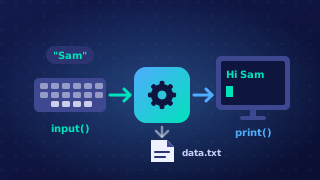
Labelled output is output where each value is printed alongside text that explains what the value means. A number on its own, such as 435, tells the user nothing, but Total mass in grams: 435 can be understood straight away. Labels should state the unit as well as the quantity, so add words like grams, pounds or minutes wherever they apply. The value is converted with str() so it can be joined to the label.
The label is built into the same print statement as the value it describes.
# Mass of a delivery of apples, 145 grams each
apples = int(input('How many apples are in the delivery? '))
total_mass = apples * 145
print('Apples in delivery: ' + str(apples))
print('Total mass in grams: ' + str(total_mass))
Output when the user types 12:
How many apples are in the delivery? 12
Apples in delivery: 12
Total mass in grams: 1740
Printing messages
print is not only for results. It also displays messages: an error message telling the user that the input was invalid, a confirmation message saying a booking or order went through, or a closing message that ends the program politely. A message that must appear whatever the user typed has to be placed outside any selection, so that it always runs. Put it inside a selection and it only runs on that one path, which means the user who typed something different never sees it. The position of the statement matters as much as its wording.
Fit for purpose
Output is fit for purpose when it does exactly what was asked for: the stated message, the stated layout, and the units after the value. It must also run without crashing, so cast input with int() or float() before doing arithmetic. A program that prints the right words but stops with an error partway through has not met the requirement.
Practise this
Edexcel GCSE Computer Science · Print Function