Readability
Comments
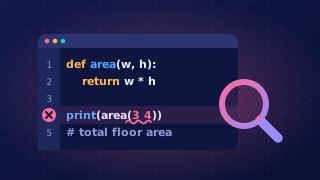
A comment is a note written inside a program for a person to read. The computer ignores comments when the program runs, so they do not change what the program does or fix a logic error. Comments help someone reading the code understand its purpose and what each section is for.
Writing comments in Python
In Python, a comment starts with the hash symbol # and continues to the end of that line. Anything after the # is not run. A comment can be on its own line, which is clear for explaining a section, or after a statement. At the top of a program, comments often state the program's purpose and identify its author.
# Shopping basket total by R. Ali

basket = [2.50, 1.20, 4.00]
# Add every item price to the running total
total = 0
for price in basket:
    total = total + price
print('Total: ' + str(total))
Output:
Total: 7.7Useful comments, not clutter
Use comments where they help understanding: explain the job of a block of code or a step that is not obvious. Do not comment every line, because too many comments clutter the code and make it harder to scan. Avoid comments that state the obvious, such as # Set total to zero above total = 0. A useful comment should add information that the code alone does not make clear.
Remember that comments only explain code. If the instructions contain a mistake, the comment cannot correct it; you must change the instructions themselves.
Practise this
Edexcel GCSE Computer Science · Readability