Binary
Hexadecimal to Binary Conversion
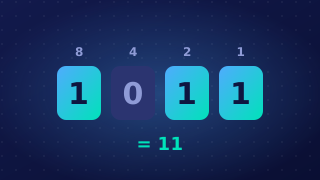
Hexadecimal is a shorthand way of writing binary, so you change between them directly, one hex digit at a time, without doing any arithmetic. Every hex digit always stands for exactly the same four bits.
Hex to binary
Take the hex digits from left to right. Replace each one with its four-bit pattern and write the groups side by side in the same order. Digits 0 to 9 keep their usual value, while A to F stand for 10 to 15. Any spaces between the groups are only there to help you read them and are not part of the value.
| Hex digit | Denary value | Four-bit group |
|---|---|---|
| C | 12 | 1100 |
| 7 | 7 | 0111 |
| F | 15 | 1111 |
So C7 becomes 1100 0111, which is 11000111. Each group must be exactly four bits: 7 is 111 in binary, but here it is written 0111, because the extra zero holds the place. Lose a leading zero and the groups either side shift along, so the bits no longer mean what you intended.
The answer always has four times as many bits as there are hex digits: two hex digits give eight bits, which is one byte, and four hex digits give sixteen bits.
Binary to hex
Go the other way by splitting the bits into groups of four, starting at the right-hand end. If the leftmost group is short, pad it with leading zeros, then swap each group for its matching hex digit.
For instance, 1011010111 splits as 10 1101 0111. Padding the left group gives 0010 1101 0111, and 0010 = 2, 1101 = D and 0111 = 7, so the answer is 2D7.
Checking your answer
Count the groups: there should be one four-bit group for every hex digit you started with, in the same order. If the binary answer has more or fewer than four bits for each hex digit, a leading zero has been dropped, or a digit has been missed or added. Remember that a hex digit is a nibble of four bits, not a whole byte.