User Access Restriction
Physical Security
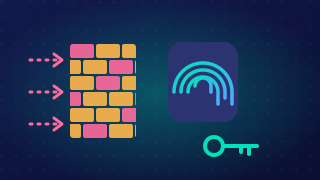
User access restriction means stopping people who should not be there from reaching a system and the data on it. Some of that is done with software settings, such as passwords, but access can also be restricted in the real world: physical security controls who can get near the equipment. If an attacker cannot reach a machine, they cannot switch it on, plug anything into it or carry it away.
For example, a garden centre keeps its customer orders on a computer in a back office. The office door is locked while the shop is open, the yard gate is shut after trading, and visitors sign in at the till and are accompanied. Someone browsing the plant area never gets within arm's reach of the machine.
What physical measures prevent
- Theft of equipment — a thief who cannot get into the office cannot walk off with the computer.
- Damage — fewer people near a machine means fewer accidents, such as a sack trolley being wheeled into a desktop tower, as well as less deliberate damage.
- Theft of data — a machine left logged in and unattended lets a passer-by open the customer records and photograph the screen. Someone who reaches a port could also copy files onto a memory card or portable drive and walk away with them.
- Installation of malware — some malware arrives on equipment that someone plugs into a port, such as a phone charging or a tablet brought in from home. If only trusted staff can reach the ports, that route is closed.
Deterrence
A physical measure also deters attackers: a barrier, a staffed reception, a sign-in sheet or a locked door makes an intruder expect to be seen or stopped, so many do not attempt it. Physical security is wider than locks, the best-known example. Deterrence lowers the number of attempts rather than making equipment impossible to reach, so it works alongside software restrictions such as levels of permitted access.
Practise this
Pearson BTEC Digital Information Technology · User access restriction