Casting
Text Input and Casting
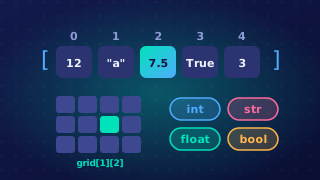
In Python 3, the input() function always gives you back a string, even when the user types nothing but digits. A string is text, so it records the characters that were typed rather than a numeric value you can do arithmetic with.
A string of digits is still text
Type 250 at an input() prompt and you get the string "250" — three separate characters, not one value. Python reports the length of the string as 3, and each digit is stored as its character code. A number such as 250 is stored as a single binary value instead. Because the two are stored differently, digits that look like a number do not behave like one in arithmetic.
Use a string of digits in arithmetic such as subtraction and you get a runtime error: Python cannot subtract text. Comparing text with a number using a comparison operator such as less than also raises an error. Even the + operator joins two strings rather than adding, so "12" + "8" gives "128", not 20.
Converting input before you calculate
Use casting to turn the string into a number. Wrap input() in int() for whole numbers, or in float() when the value may have a decimal part. You can convert in the same statement that reads the input, or store the text in a variable first and convert it afterwards.
laps_text = input("How many laps did you swim? ")
laps = int(laps_text)  # convert the stored text to a whole number
lengths = laps * 2
print("That is " + str(lengths) + " lengths of the pool")
Output when the user types 12:
How many laps did you swim? 12
That is 24 lengths of the pool
price = float(input("What is the price of the hoodie? "))
change = 20 - price
print("Change from twenty pounds: " + str(change))Output when the user types 14.75:
What is the price of the hoodie? 14.75
Change from twenty pounds: 5.25
Numbers that come from a file
Text read from a file behaves the same way: every field arrives as a string, even one that looks like a number. Convert each field with int() for whole numbers or float() for decimal values before you add it to a total or compare it.
Practise this
Edexcel GCSE Computer Science · Casting
Edexcel GCSE Computer Science · Input Function
Edexcel GCSE Computer Science · Input Validation